

Arth Computer
POWERING ON COMPUTER...
ARTH COMPUTER CLASS β€’ DHANBAD
Arth Computer Institute of Digital Technology
Students studying programming
Computer Lab Training
Student Coding on Laptop
Digital Classroom
  • Home
  • Blog
  • Master VLOOKUP and XLOOKUP in Excel...
πŸ“š Real 3D Interactive FlipBook Edition

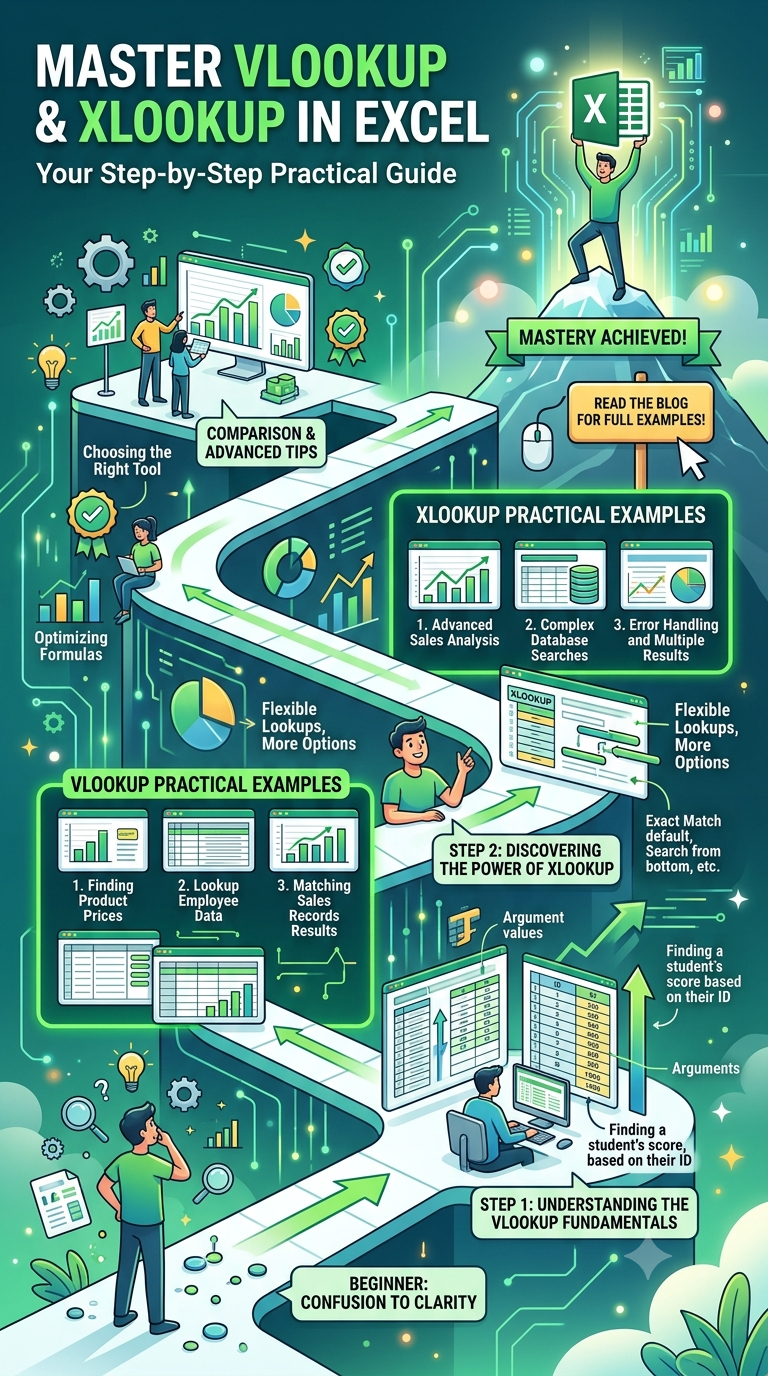
Master VLOOKUP and XLOOKUP in Excel: Step-by-Step Practical Examples

✍️ Author: Amit Kumar (Founder & Lead Developer) πŸ“… Published: Sep 05, 2026 πŸ”„ Updated: Sep 05, 2026 ⏱️ 2 min read

Retrieving information from large data tables is a everyday requirement in office administration. While VLOOKUP has been the standard lookup formula for decades, modern Excel versions feature XLOOKUP, which offers superior flexibility and ease of use.

1. Understanding VLOOKUP

VLOOKUP (Vertical Lookup) searches for a value in the leftmost column of a table array and returns a value in the same row from a specified column index.

=VLOOKUP(lookup_value, table_array, col_index_num, [range_lookup])

Practical Example

Suppose Student Roll Number is in Column A, Student Name in Column B, and Marks in Column C. To find the marks of Roll Number 105:

=VLOOKUP(105, A2:C100, 3, FALSE)

  • 105: Lookup value
  • A2:C100: Source table range
  • 3: Return column number (Marks is 3rd column)
  • FALSE: Exact match requirement

2. Why XLOOKUP is Superior

XLOOKUP simplifies lookups and overcomes key VLOOKUP limitations:

  • Lookups to the left are supported without restructuring tables.
  • No column index counting required.
  • Built-in default value when match is not found.

XLOOKUP Syntax

=XLOOKUP(lookup_value, lookup_array, return_array, [if_not_found])

Same Example using XLOOKUP

=XLOOKUP(105, A2:A100, C2:C100, "Student Not Found")

Handling Errors with IFERROR

When using VLOOKUP, wrap the formula inside IFERROR to prevent unsightly #N/A errors on reports:

=IFERROR(VLOOKUP(105, A2:C100, 3, FALSE), "Record Missing")

Want hands-on spreadsheet mastery? Join our Advanced Excel & Data Analytics Module at Arth Computer Institute.

AK
Article Author & Technical Reviewer
Amit Kumar
Founder & Lead Software Architect at Arth Computer Institute, Kharni, Barwadda, Dhanbad. Specializes in Full Stack Development, Python & School IT Education.
πŸ“… Published: Sep 05, 2026 πŸ”„ Updated: Sep 05, 2026
πŸ”Š AI Voice & Audio Reader Speech Ready
🧠 Interactive Knowledge Check Score: 0/1

Quick Quiz: What is the primary focus of practical computer education?

Enrollment Open

Class 5th-12th & Tech Training

Computer courses for Class 5th-12th & Professional Software Skills in Dhanbad.

πŸŽ“ Looking for practical computer training? Explore courses at Best Computer Center in Dhanbad.
πŸ“Œ

Article Key Takeaways & Summary

Learn how to use VLOOKUP and XLOOKUP in Microsoft Excel. Complete tutorial with syntax explanations, error handling (IFERROR), and lookup table comparisons.

πŸ’‘ What You Will Learn:
  • Step-by-step roadmap for learning programming logic in 2026.
  • School IT syllabus (Class 5-12) & professional coding track differences.
  • Practical project creation & computer lab methodology at Arth Computer Institute.
⚑ Read Time: 2 mins πŸ“ Total Words: 221
πŸ’¬