



Introduction
Artificial Intelligence (AI) has transformed the way students learn, study, and complete assignments. In 2026, AI is no longer just a futuristic concept—it's an everyday learning companion used by millions of school, college, and university students around the world.
Whether you want to:
- Understand difficult concepts
- Complete homework faster
- Write better essays
- Create presentations
- Learn coding
- Prepare for competitive exams
- Improve English grammar
- Organize notes
there is an AI tool designed to help.
However, not every AI tool is suitable for every student. Some are excellent for research, while others specialize in writing, coding, note-taking, or visual content creation.
This comprehensive guide introduces the best AI tools for students in 2026, explains their features, advantages, limitations, pricing, and practical use cases so you can choose the right one for your learning goals.
Quick Answer (Featured Snippet)
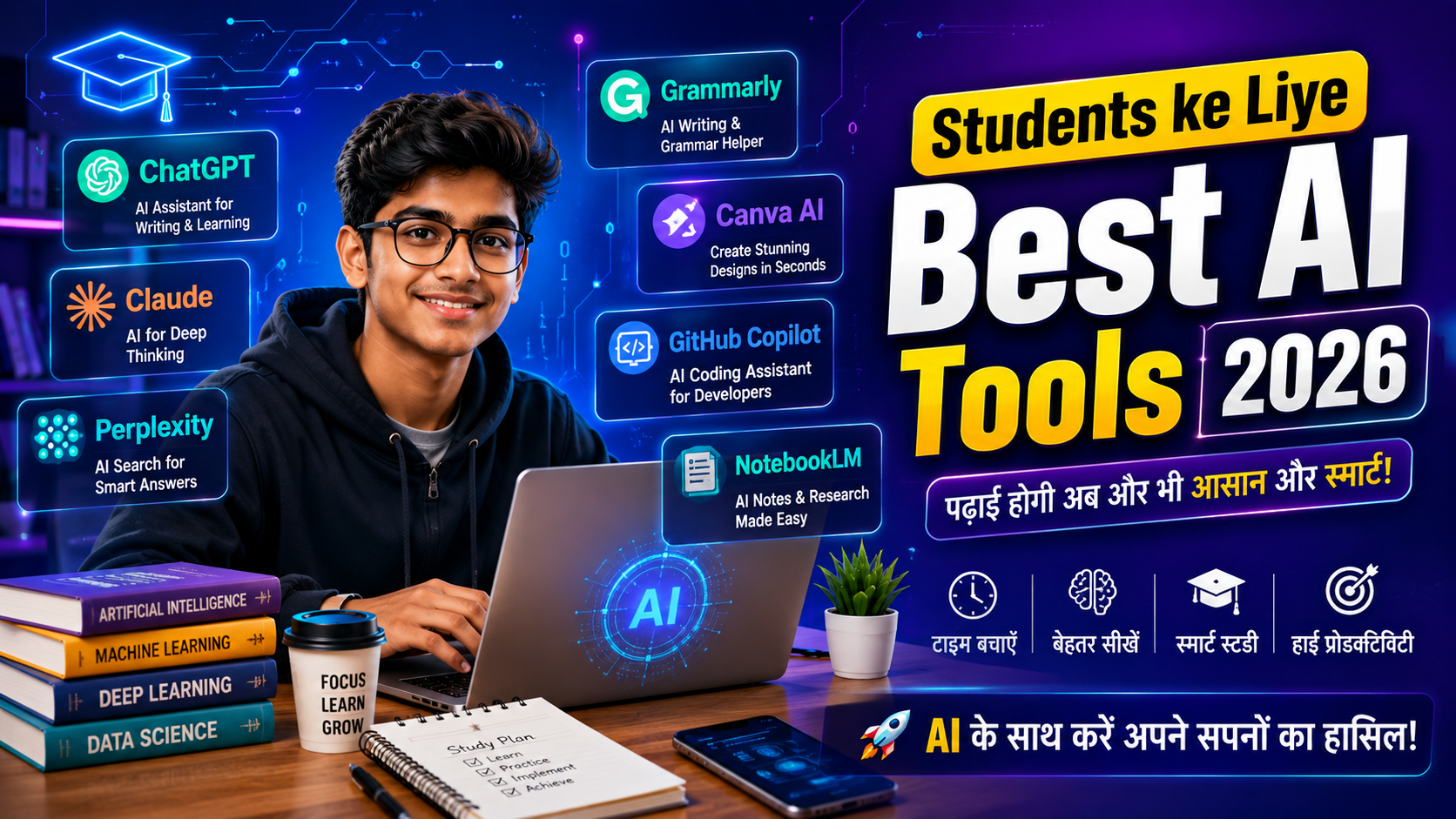
The best AI tools for students in 2026 include ChatGPT, Google Gemini, Claude, Perplexity AI, NotebookLM, Grammarly, Canva AI, GitHub Copilot, Notion AI, Gamma AI, and Quizlet AI. These tools help students with homework, research, writing, coding, presentations, note-taking, and exam preparation.
Why Should Students Use AI?
AI is not meant to replace learning—it is designed to support it.
When used responsibly, AI can help students:
- Save time on repetitive tasks
- Understand complex topics more easily
- Improve writing and communication
- Organize study materials
- Prepare for exams
- Practice coding
- Create presentations
- Brainstorm ideas for projects
- Learn new skills faster
Think of AI as a smart study assistant available 24/7.
Benefits of AI Tools for Students
| Benefit | How It Helps |
|---|---|
| Faster Learning | Explains difficult concepts in simple language |
| Better Writing | Improves grammar and sentence structure |
| Homework Help | Provides guidance and step-by-step explanations |
| Research | Summarizes information from multiple sources |
| Coding | Assists in writing and debugging code |
| Creativity | Helps design presentations and graphics |
| Time Management | Organizes notes, tasks, and study schedules |
| Language Learning | Improves vocabulary, grammar, and pronunciation |
How We Selected These AI Tools
To make this guide trustworthy, we evaluated each tool based on:
- Ease of use
- Accuracy
- Student-friendly features
- Free plan availability
- Educational value
- Productivity improvements
- Privacy considerations
- Overall popularity and reliability
1. ChatGPT
Best For
Homework, writing, explanations, brainstorming, coding, interview preparation, language learning.
What is ChatGPT?
ChatGPT is one of the most widely used AI assistants. It can answer questions, explain concepts, generate summaries, write essays, solve programming problems, and help students understand difficult topics in an easy-to-follow way.
Key Features
- Explain complex concepts simply
- Solve programming questions
- Create study notes
- Generate quizzes
- Practice interview questions
- Improve writing
- Brainstorm project ideas
- Learn new subjects interactively
Advantages
✔ Easy to use
✔ Supports many subjects
✔ Excellent writing assistance
✔ Coding support
✔ Multiple languages
Limitations
✘ AI can occasionally make mistakes.
✘ Always verify important academic information with trusted sources.
Best Use Cases
- School assignments
- College projects
- Coding practice
- Resume writing
- Presentation preparation
- Interview preparation
2. Google Gemini
Best For
Research, Google Workspace integration, real-time assistance, and productivity.
Google Gemini integrates well with Google's ecosystem, making it especially useful for students who use Google Docs, Gmail, and Google Drive.
Key Features
- Smart research assistance
- Document summarization
- Image understanding
- Presentation support
- Google ecosystem integration
Pros
✔ Excellent for research
✔ Fast responses
✔ Easy integration with Google services
Cons
✘ Some advanced features require a paid subscription.
3. Claude
Best For
Long documents, detailed explanations, and academic writing.
Claude is known for producing thoughtful, well-structured responses and handling lengthy documents effectively.
Why Students Like Claude
- Clear explanations
- Strong writing assistance
- Better handling of long PDFs
- Helpful for research projects
Pros
✔ Excellent writing quality
✔ Long-context understanding
✔ Good reasoning
Cons
✘ Some features may have usage limits.
4. Perplexity AI
Best For
Research with cited sources.
Unlike many AI chatbots, Perplexity often provides links to the sources it used, making it easier for students to verify information.
Features
- Web-based answers
- Source citations
- Academic research support
- Fast summaries
Pros
✔ Reliable for research
✔ Transparent references
✔ Easy to verify information
Cons
✘ Quality depends on the available web sources.
5. NotebookLM
Best For
Studying from your own notes and documents.
NotebookLM allows students to upload their own PDFs, lecture notes, and study materials. It answers questions based on those documents instead of relying only on general knowledge.
Features
- PDF analysis
- Note summarization
- Question answering
- Personalized study support
Pros
✔ Great for exam preparation
✔ Uses your own study material
✔ Saves revision time
Cons
✘ Best results depend on the quality of uploaded documents.
6. Grammarly
Best For
Grammar correction, academic writing, emails, and assignments.
Grammarly helps students improve grammar, spelling, punctuation, clarity, and writing style.
Features
- Grammar checking
- Spell correction
- Tone suggestions
- Vocabulary improvements
- Plagiarism support (premium)
Pros
✔ Improves writing confidence
✔ Easy browser integration
✔ Helpful for essays
Cons
✘ Premium features require a subscription.
7. Canva AI
Best For
Presentations, posters, resumes, infographics, and social media graphics.
Students can create professional-looking visuals without advanced design skills.
Features
- AI-powered presentation creation
- Magic Design
- AI image generation
- Background removal
- Resume templates
Pros
✔ Beginner-friendly
✔ Saves design time
✔ Excellent templates
Cons
✘ Some premium templates require a paid plan.
Quick Comparison Table
| Tool | Best For | Free Plan | Rating |
|---|---|---|---|
| ChatGPT | Homework & Learning | Yes | ⭐⭐⭐⭐⭐ |
| Gemini | Research | Yes | ⭐⭐⭐⭐⭐ |
| Claude | Writing | Yes | ⭐⭐⭐⭐⭐ |
| Perplexity | Research | Yes | ⭐⭐⭐⭐⭐ |
| NotebookLM | Study Notes | Yes | ⭐⭐⭐⭐⭐ |
| Grammarly | Writing | Yes | ⭐⭐⭐⭐☆ |
| Canva AI | Presentations | Yes | ⭐⭐⭐⭐☆ |
Expert Tips for Students
- Use AI to understand concepts, not just copy answers.
- Verify important facts from textbooks or trusted educational sources.
- Rewrite AI-generated content in your own words to deepen understanding and avoid plagiarism.
- Combine AI tools according to your task—for example, use Perplexity for research, ChatGPT for explanations, Grammarly for polishing, and Canva AI for presentations.
Coming in Part 2B
In the next part, we'll cover:
- GitHub Copilot
- Notion AI
- Gamma AI
- Quizlet AI
- Otter.ai
- Microsoft Copilot
- Khanmigo
- Free vs Paid AI Tools
- Detailed comparison tables
- How to choose the right AI tool
- Common mistakes students make
- AI ethics and responsible use
- Future of AI in education
This will continue seamlessly into the complete publish-ready article.